01 / MOSTUNED APP
Choose your calibration.
Choose a power level supported by your package and car. Manage burble, cold start, Vmax and RPM in one place.
VIN authorisation required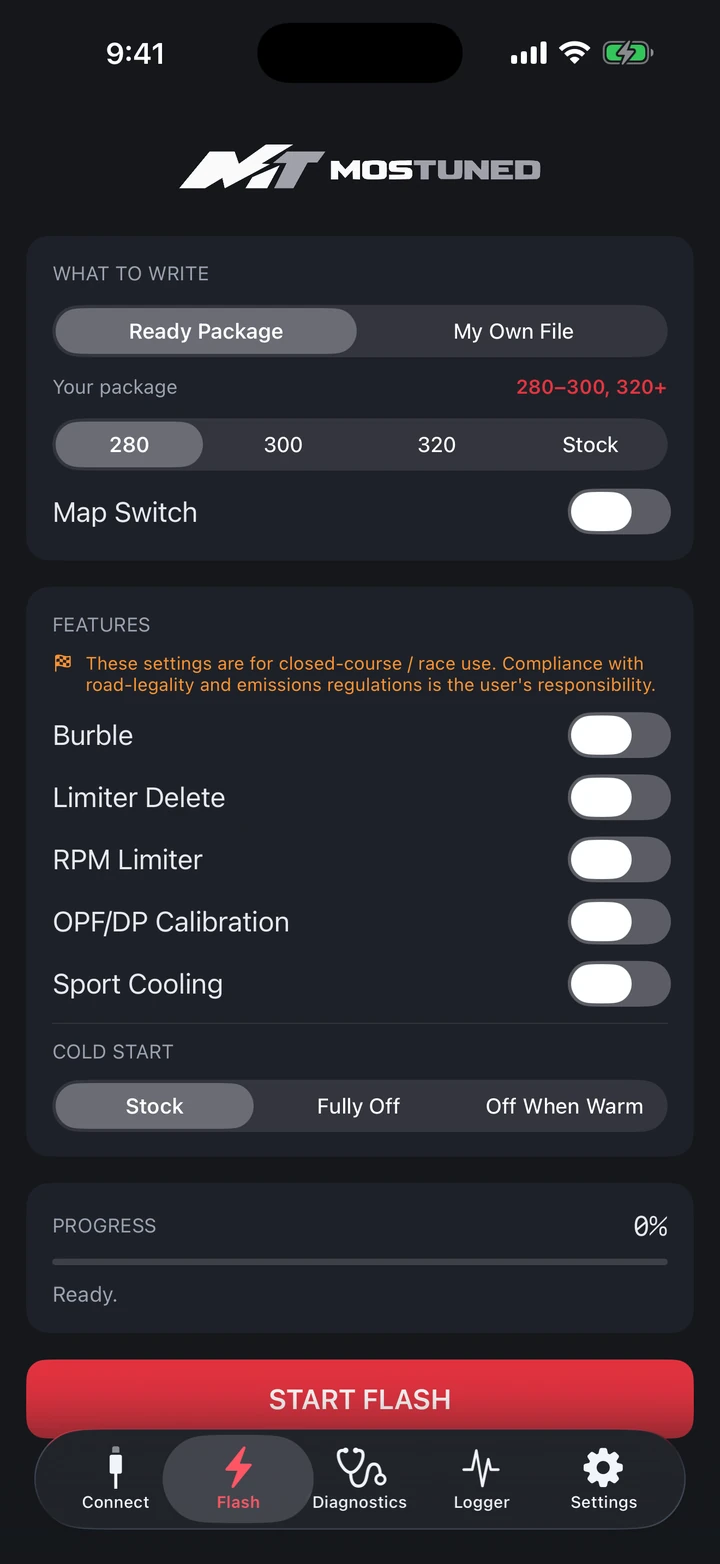

Calibration, diagnostics and live data. One app, right at your fingertips.
Choose a power level supported by your package and car. Manage burble, cold start, Vmax and RPM in one place.
VIN authorisation requiredFollow live sensor data with Logger. Review how your car responds through recorded logs.
Free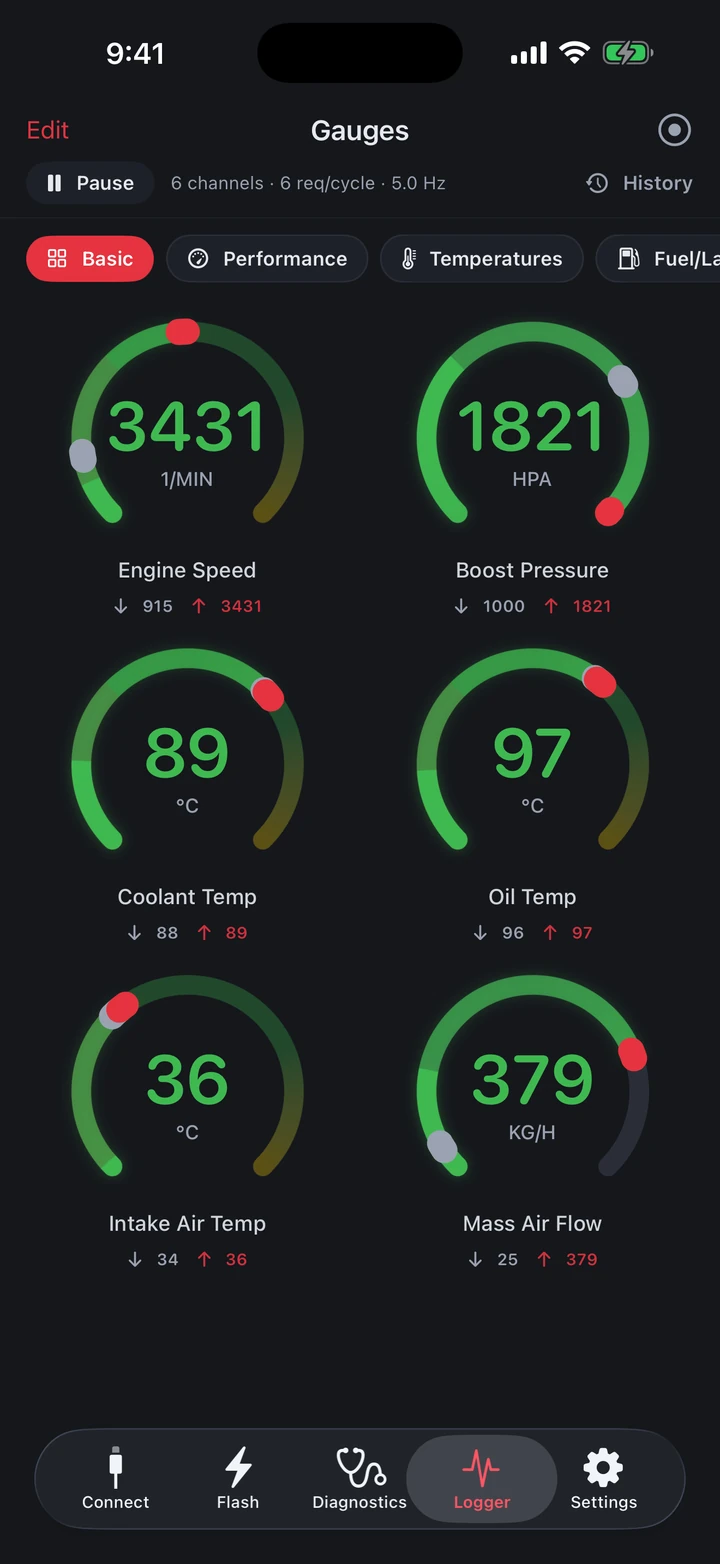
Read and clear fault codes. Check lock status with Unlock Check and understand what is needed before flashing.
Free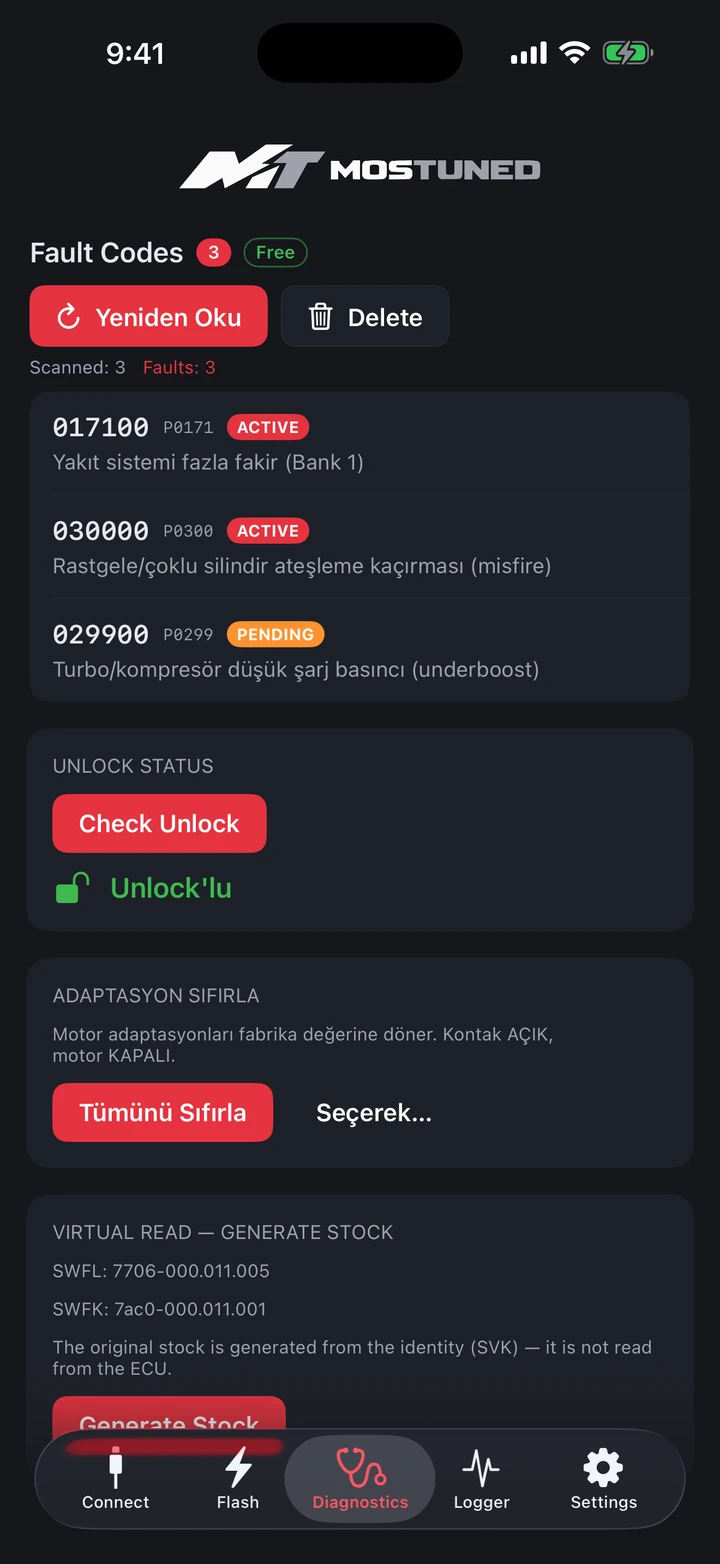
Screens are shown in demo mode; vehicle and sensor values are simulated.
MOSTUNED is available to everyone. Fault reading / clearing, Unlock Check and Logger are free. Flash works with authorised VINs. Beta testing continues for selected features.
Verified coverage: Turkish-market BMWs with the 1.6L B48B16 (1,597 cc / MG1CS003 ECU) engine — 320i (G20), 420i (G22/G26), 520i (G30) and X3 sDrive20i (G01). Coverage is expanding and will be announced here; ask anyway if your car is not listed.
The broader BMW coding catalogue does not mean that every model supports mobile flashing. Check eligibility before buying.
Check vehicle and phone power. Follow the preparation steps in the app, ensure a stable connection and keep the adapter connected throughout the process. If the app reports an error or compatibility warning, contact support before proceeding.
Check the adapter and selected network connection. If the issue continues, send support your car model, iPhone model and error screen.
Let’s assess the unlock requirement before flashing. Explore the unlock service.
Feature coding, transmission and M Track services in this catalogue are separate appointments. App flash packages are priced separately.
WhatsApp: +90 547 470 40 40
Email: destek@mostuned.com
Instagram: @mostuned
Istanbul · Monday–Saturday 09:00–18:00 (TR time) · Remote service by appointment
Send your model, hardware and goal — we will pick the right package together. We do not sell what does not fit.